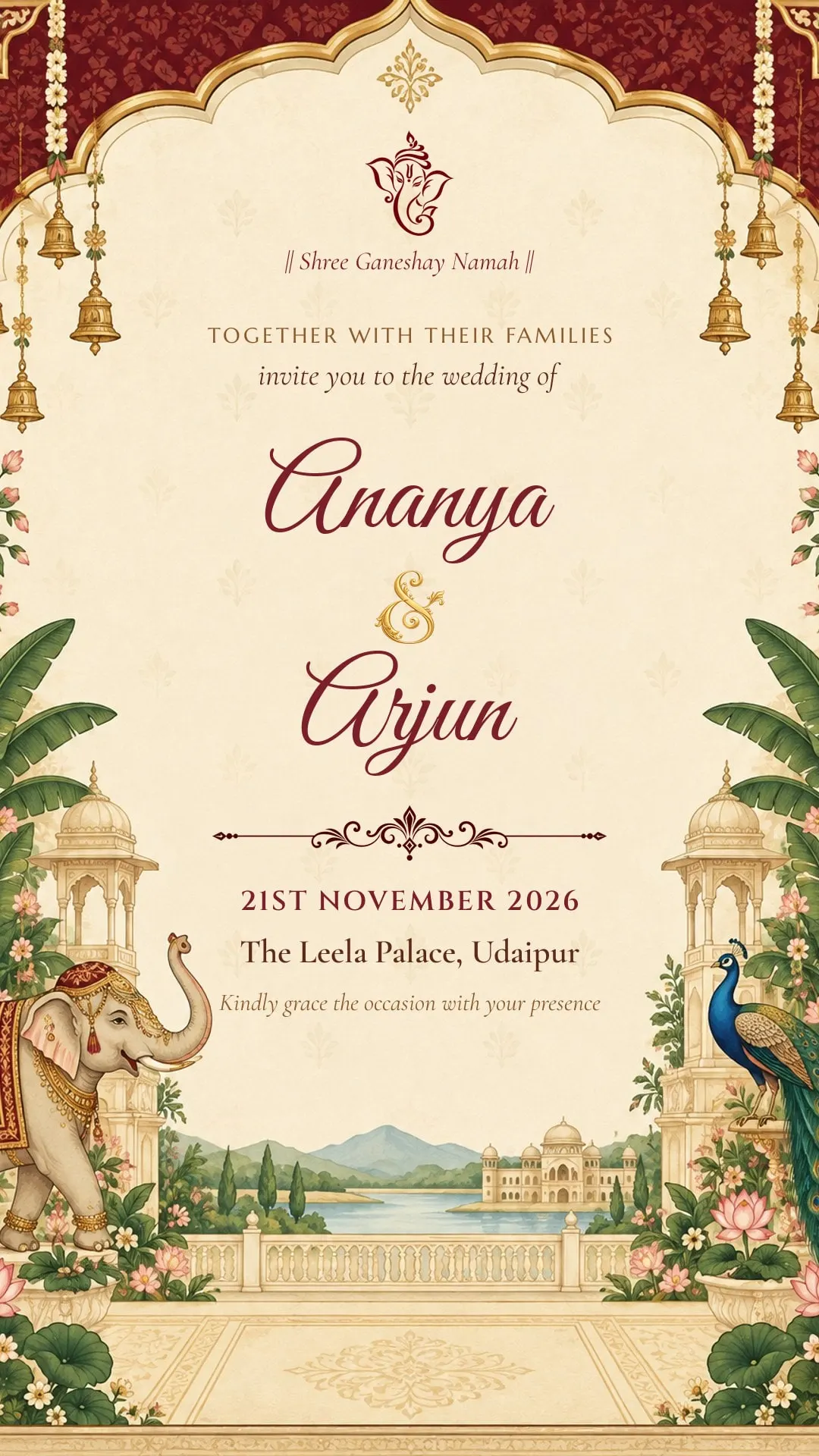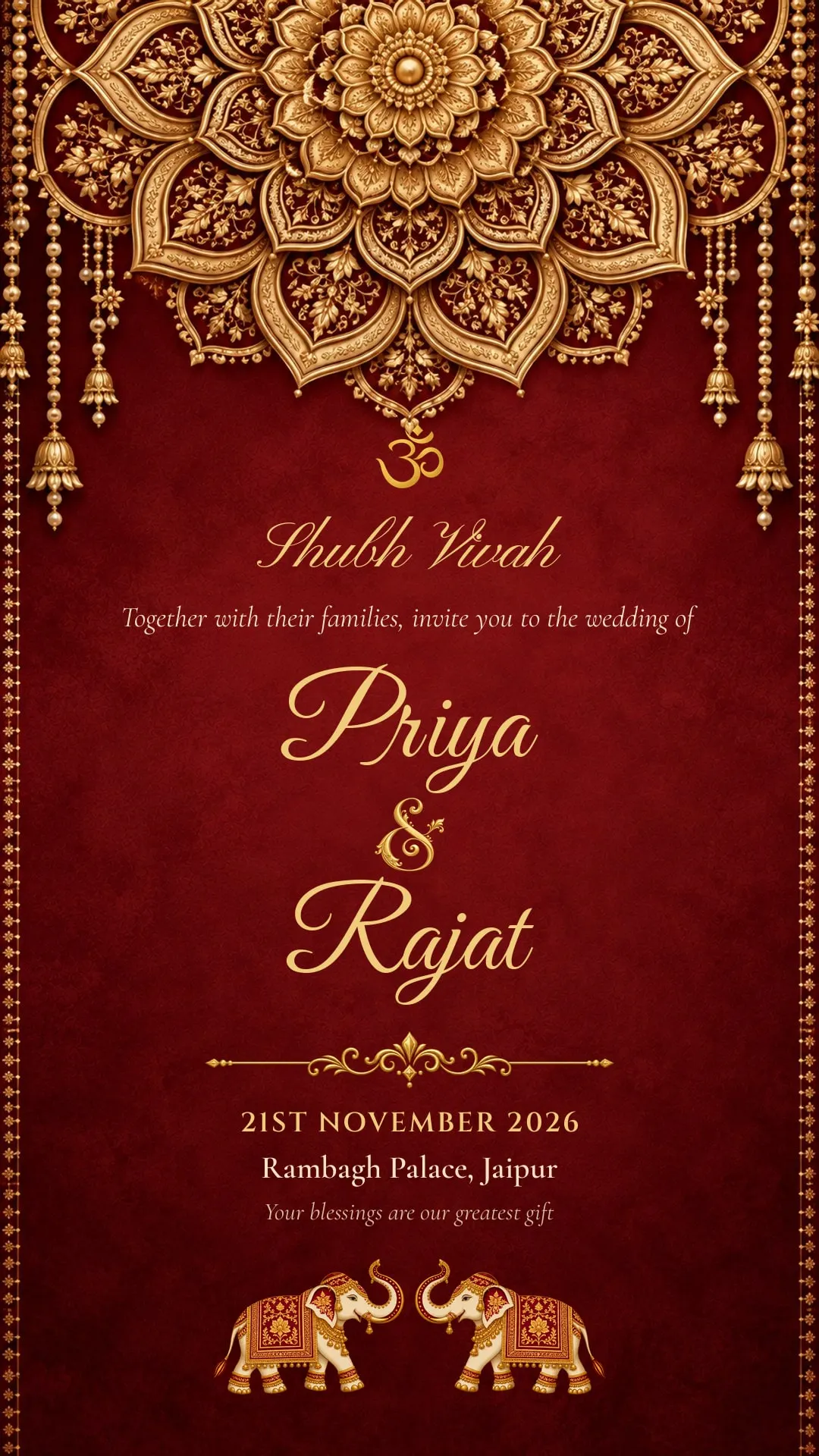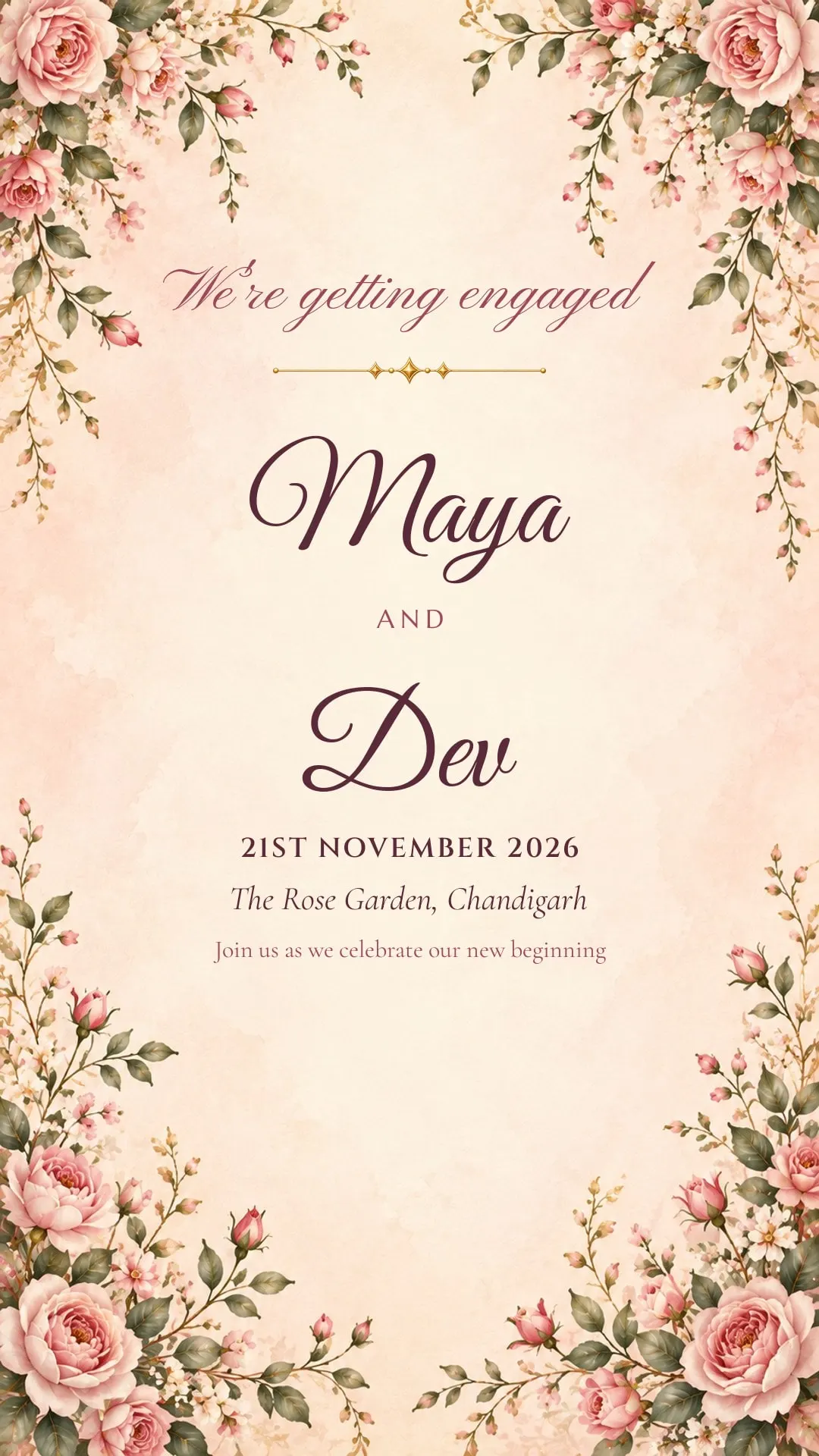
Sending wedding invitations on WhatsApp is now normal in most Indian families. It’s instant, it reaches relatives abroad, and nobody loses the card. What still matters is how you send it — a card forwarded with no message can feel like a mass mailer, while the same card with two personal lines feels like an invitation.
Is it okay to invite people on WhatsApp?
Yes, for most guests. The exceptions are the people who would expect a visit or a phone call: grandparents, senior relatives and family elders. Call them first, or deliver a printed card, and then send the digital card so they have the details on their phone too.
Always send a personal message with the card
The card carries the facts. The message makes it personal. Keep it short and use the person’s name.
English
Namaste Sharma uncle and aunty! Ananya and Arjun are getting married on 21st November in Udaipur, and it would mean a lot to have you with us. The card is below — venue map and function timings to follow.
Hindi
नमस्ते चाचाजी, अनन्या और अर्जुन का शुभ विवाह 21 नवंबर को उदयपुर में है। आप सपरिवार अवश्य पधारें — निमंत्रण पत्र नीचे भेज रहे हैं।
Hinglish, for friends
Finally happening! 🎉 Ananya & Arjun, 21st Nov, Udaipur. Block your dates — sangeet card coming soon.
Send an image, not a PDF
An image shows up right in the chat and can be seen without opening anything. A PDF needs a tap, a download and a separate viewer, and many people never open it. A portrait image the shape of a phone screen — ShaadiCardWala cards are 1080×1920 pixels — fills the screen when tapped and stays sharp.
Put the map link in the message, not the card
Text inside an image can’t be tapped. Send the venue’s Google Maps link as its own message right after the card, so guests can open directions in one tap on the day.
Broadcast lists, groups or one by one?
- One by one is the most personal, and right for elders and close family.
- Broadcast lists send the same message to many people, but each person receives it as a private chat. WhatsApp only delivers broadcast messages to people who have saved your number, so check that before relying on one.
- Groups are best avoided for invitations. Everyone sees everyone else’s replies, and guests invited to only some functions see details meant for others.
One card per function
If your guest lists differ by function, make a separate card for the haldi, mehendi, sangeet and wedding, and send each only to the people invited. It avoids awkward questions and keeps each card short.
Reminders and RSVPs
- Ask for a reply with a headcount in your first message: “Please let us know how many of you will come.”
- Send a short reminder a week before, and again the day before, with timings and the map link. See the full invitation timeline.
- Pin the chat or star the replies so you can count RSVPs later.
A note on status and stories
Posting your card to your WhatsApp status or Instagram story is a lovely announcement, but it shares the venue and date with everyone who can see it. If that’s more people than your guest list, post a version without the venue, or skip the status altogether.
Sending from ShaadiCardWala
When your card is ready, share it straight to WhatsApp or Instagram from the app, copy a link, or save it to your gallery to send later. Designing is free; each card you send costs ₹51 — see how it works.